
Unified Visibility
One Dashboard.
Complete Visibility.
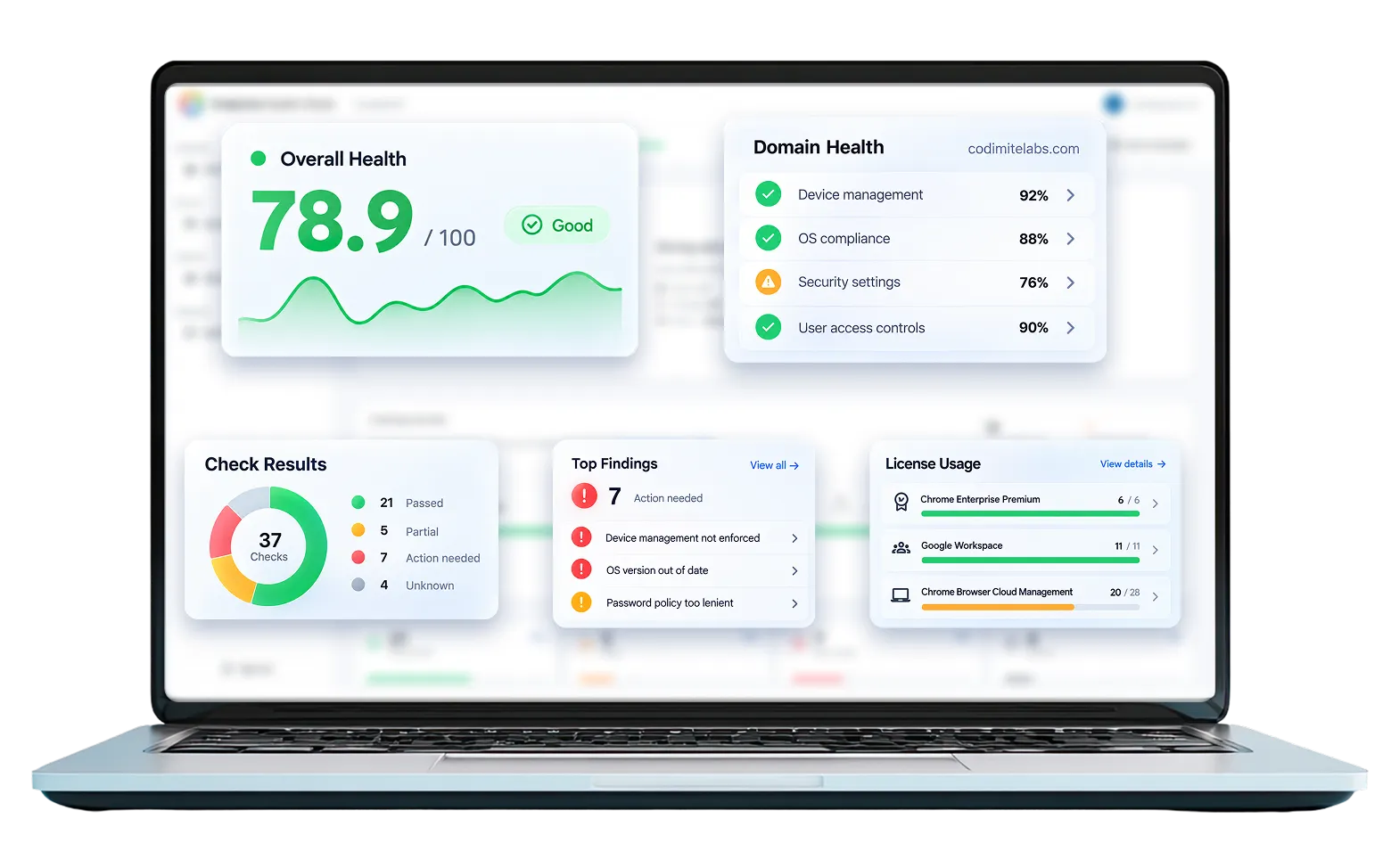
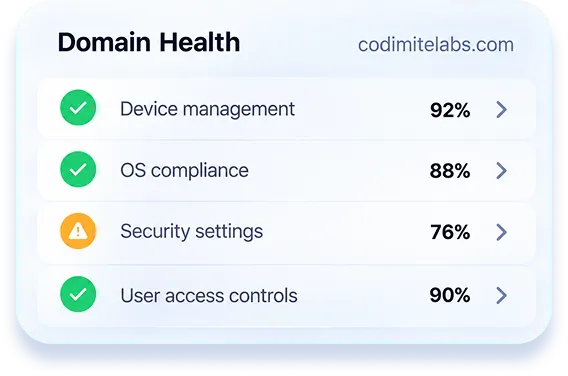
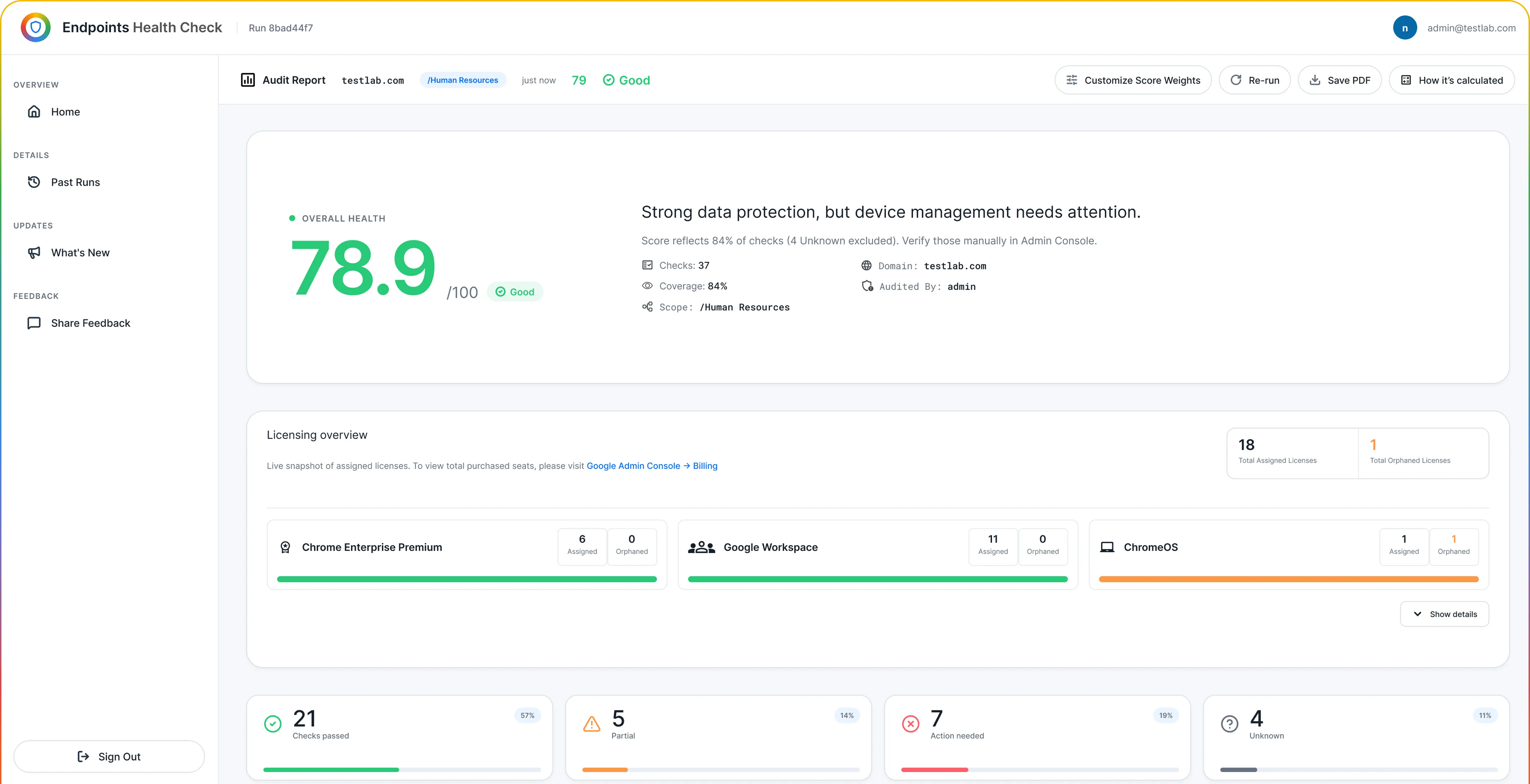
Monitor Google licensing, Chrome Enterprise security policies, compliance, and device health across your Google environment from a single, organized view.
Comprehensive Assessment
Assess Your Google Security,
Policies & Licenses
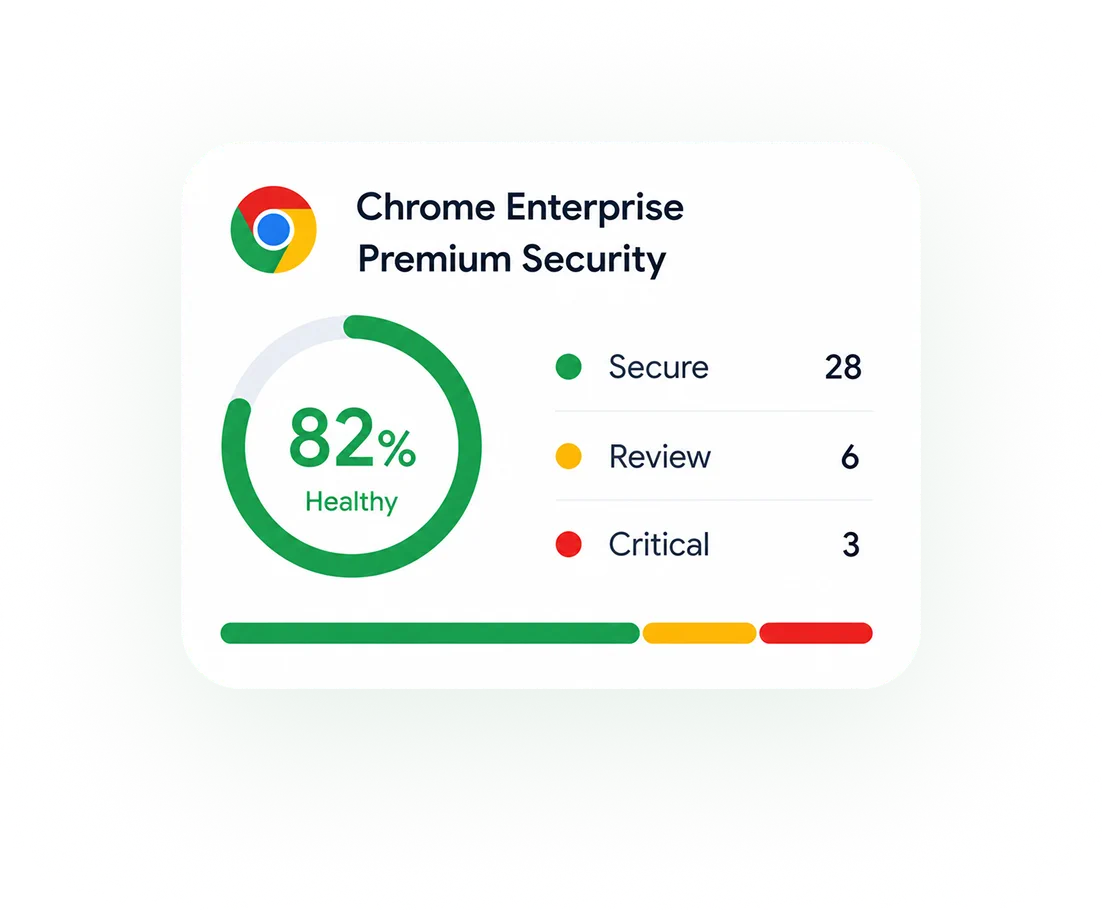
Chrome Enterprise Premium Security
Review the health of your Chrome Enterprise Premium configuration and security policies and identify areas that may require further review.
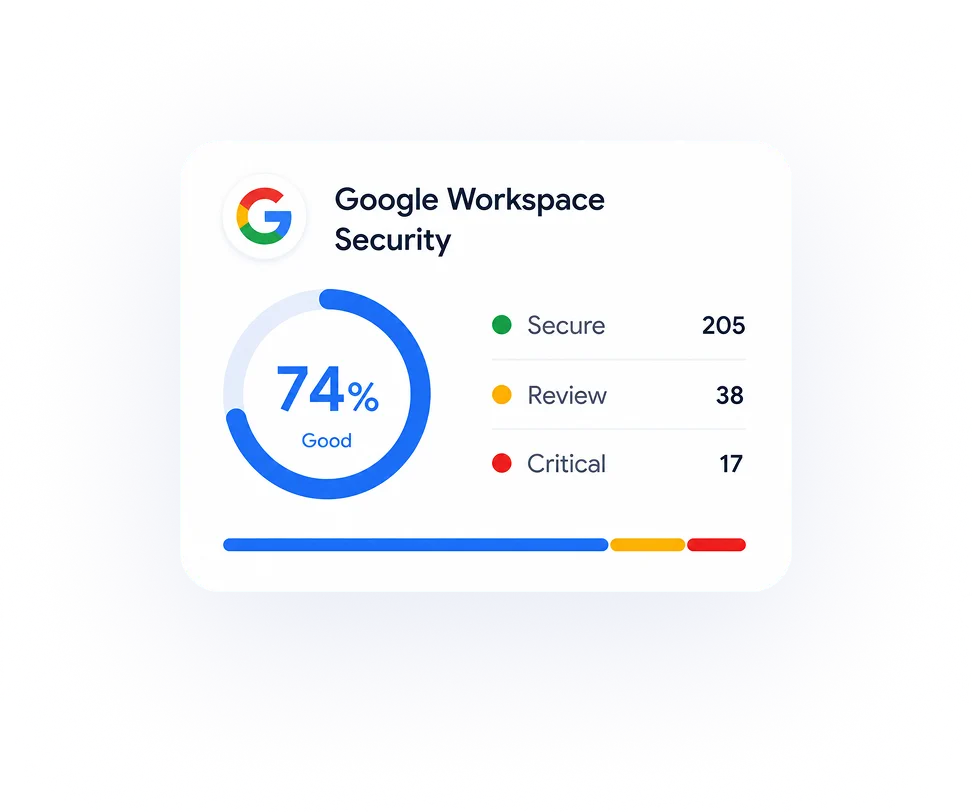
Google Workspace Security
Gain clearer visibility into Google Workspace security configurations, policies, and administrative settings from a centralized assessment.
Chrome Policy & Configuration
Perform a structured Chrome policy assessment to identify configuration gaps, policy findings, and potential browser security risks.
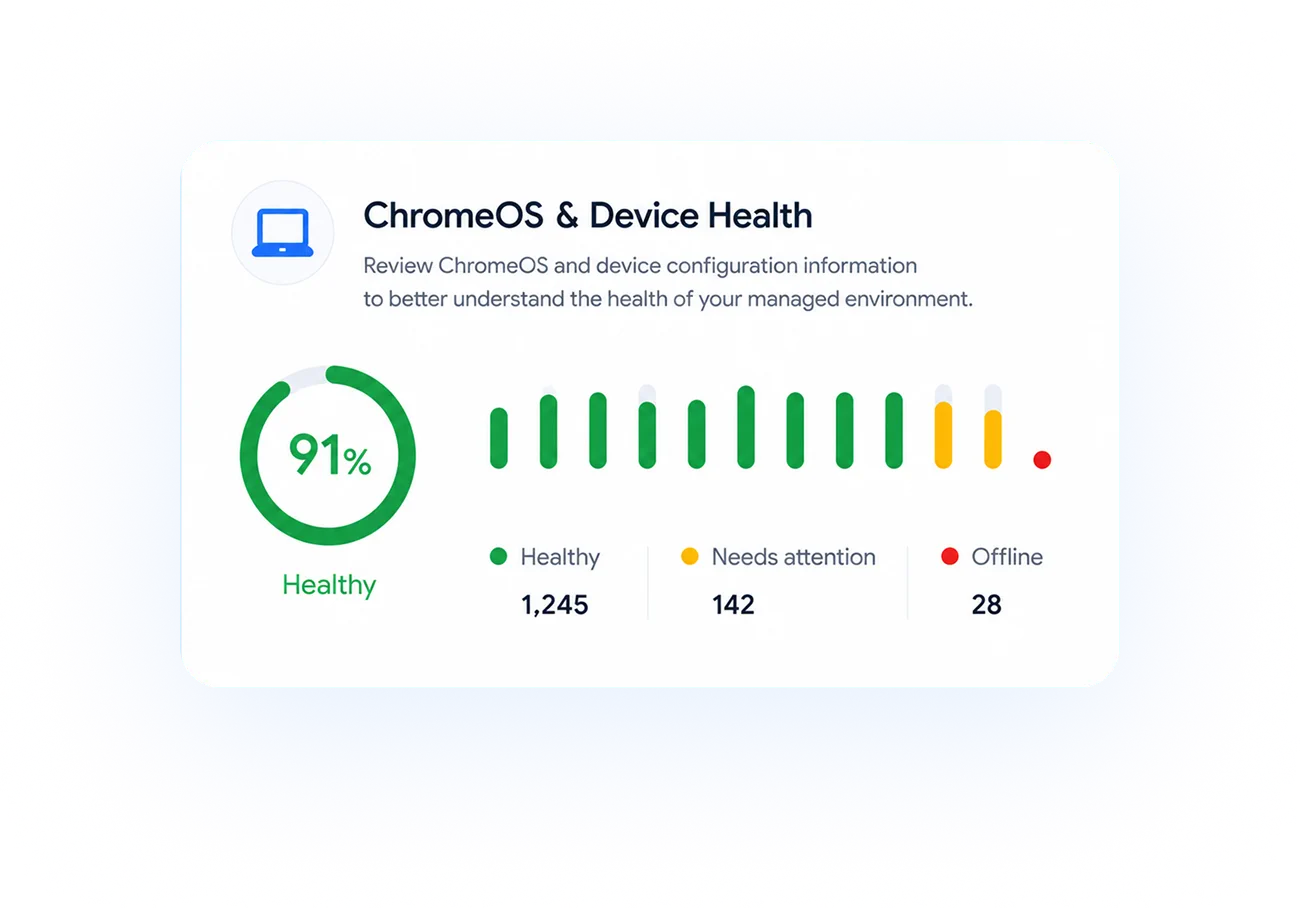
ChromeOS & Device Health
Review ChromeOS and device configuration information to better understand the health of your managed environment.
Google License Utilization
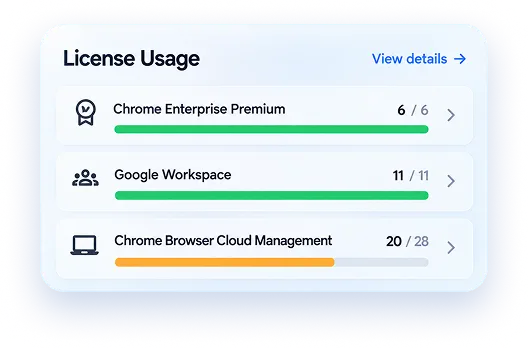
Understand assigned, active, orphaned, and unassigned licenses across Chrome Enterprise Premium, Google Workspace, ChromeOS, and related Google services.
Smarter Administration
Everything You Need to Run a
Stronger Google Ecosystem
Simplify daily administration, improve compliance, strengthen your Google and browser security, and make better decisions with intelligent health insights.
Health Check Score
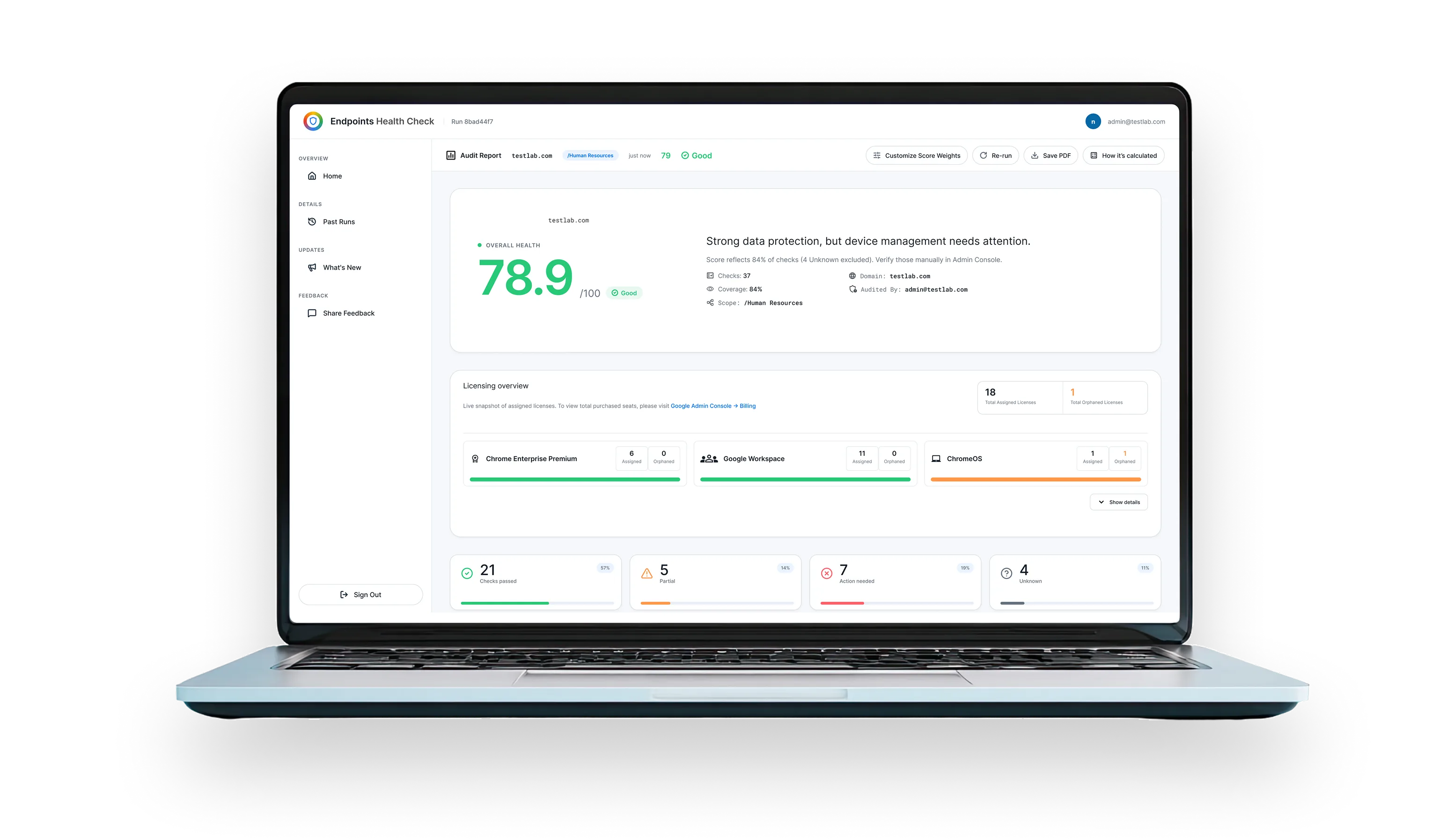
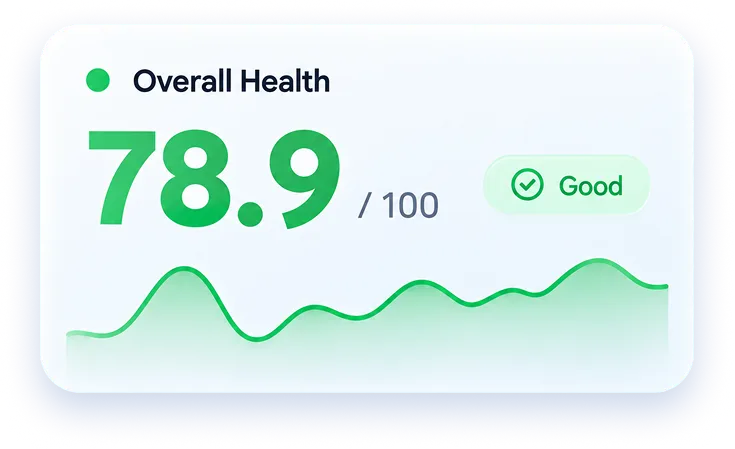
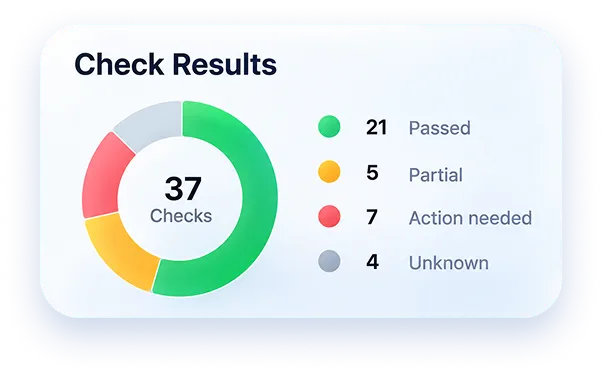
Get an overall health score for your organization or selected organizational units based on policy compliance, license utilization, and device configuration status.
License Overview
Track assigned, active, orphaned, and unassigned licenses across Chrome Enterprise Premium, Google Workspace, ChromeOS, and related services.
Categorized Policy Management
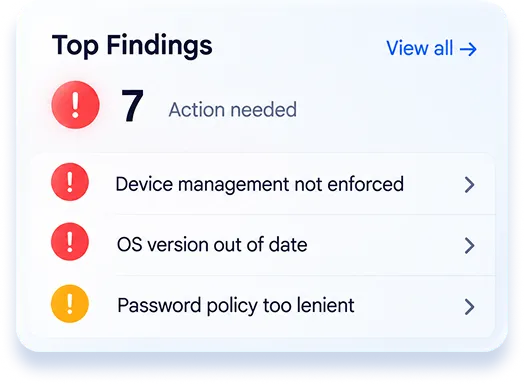
View policies by severity, weight, status, evidence, and category. Quickly identify Chrome policy gaps, security misconfigurations, then navigate to the relevant Google Admin Console area for remediation.
Ask Gemini
Use AI-powered assistance to ask questions about Chrome and Google Workspace policies, configurations, risks, and recommended next steps, helping teams understand complex settings faster.
Reports & History
Download PDF reports and access previous assessments to track improvements, compare progress, and support internal reviews or compliance discussions.
Custom Scoring Engine
Customize scoring weights, include or exclude selected policies, and align health calculations with your organization's priorities and security standards.
Guided Workflow
From Assessment to Action
Understand the health of your Google environment through a simple, guided assessment process.
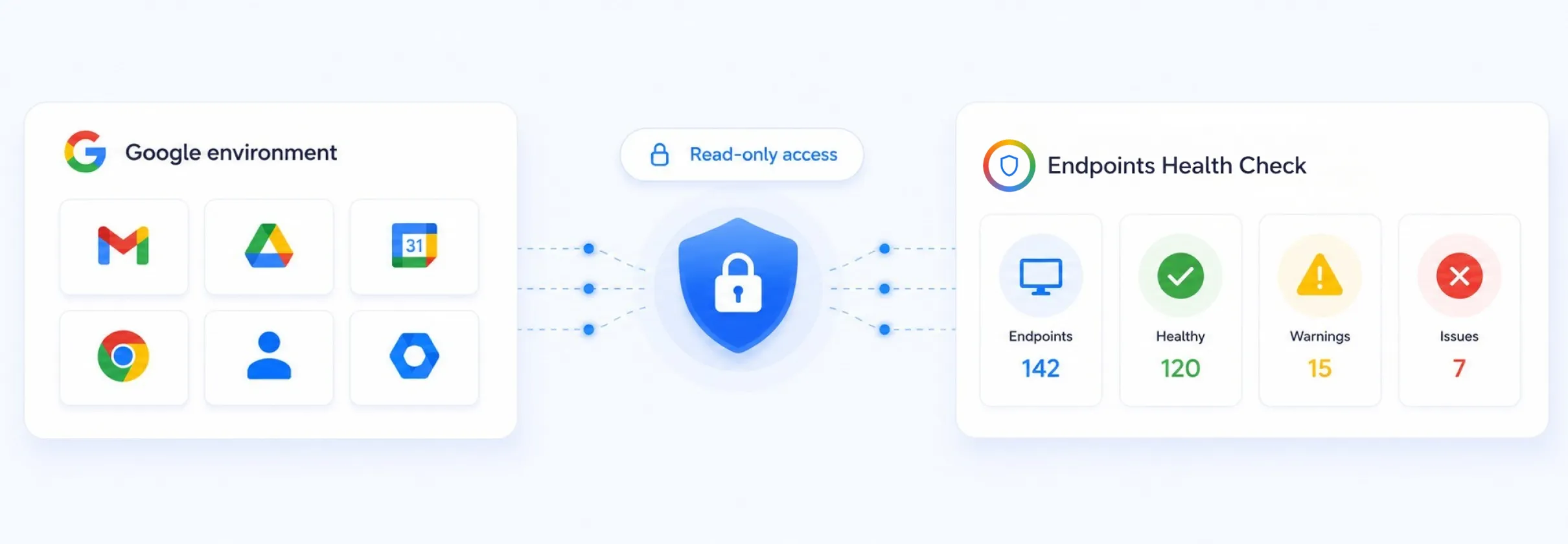
Connect Your Google Environment
Securely connect your authorized Google Admin environment using the platform's read-only access model.
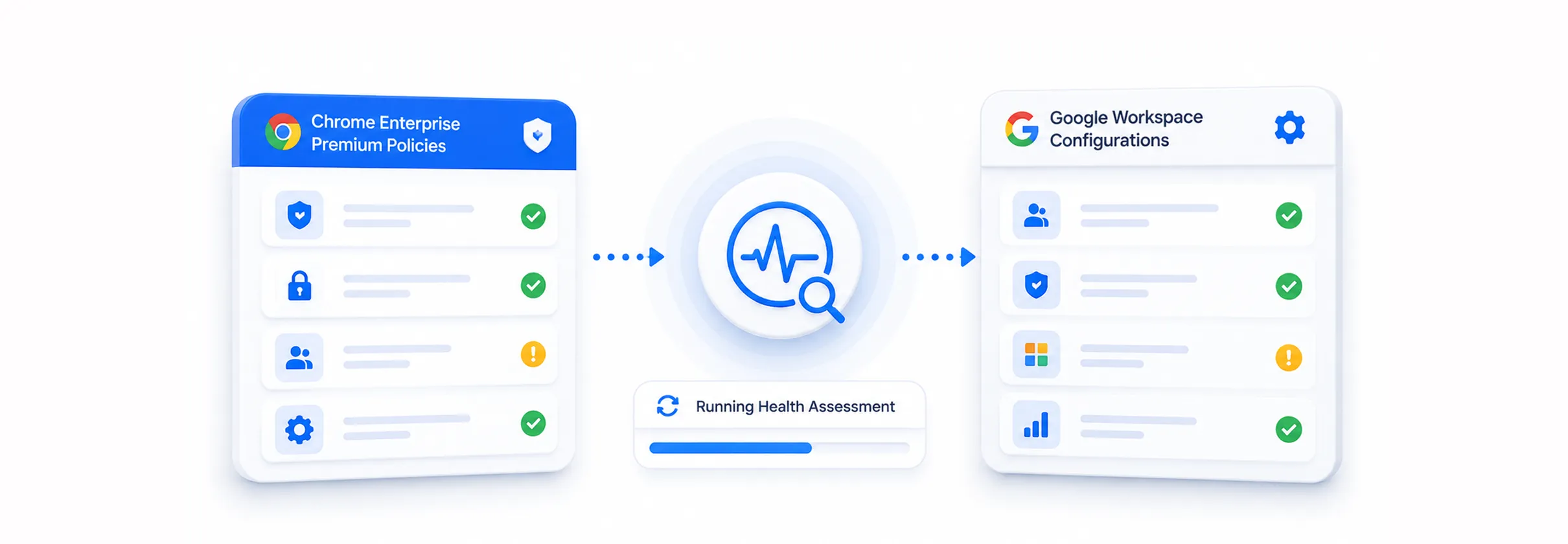
Run Your Health Assessment
Assess relevant Chrome Enterprise Premium policies, Google Workspace configurations, license usage, device status, and policy compliance.
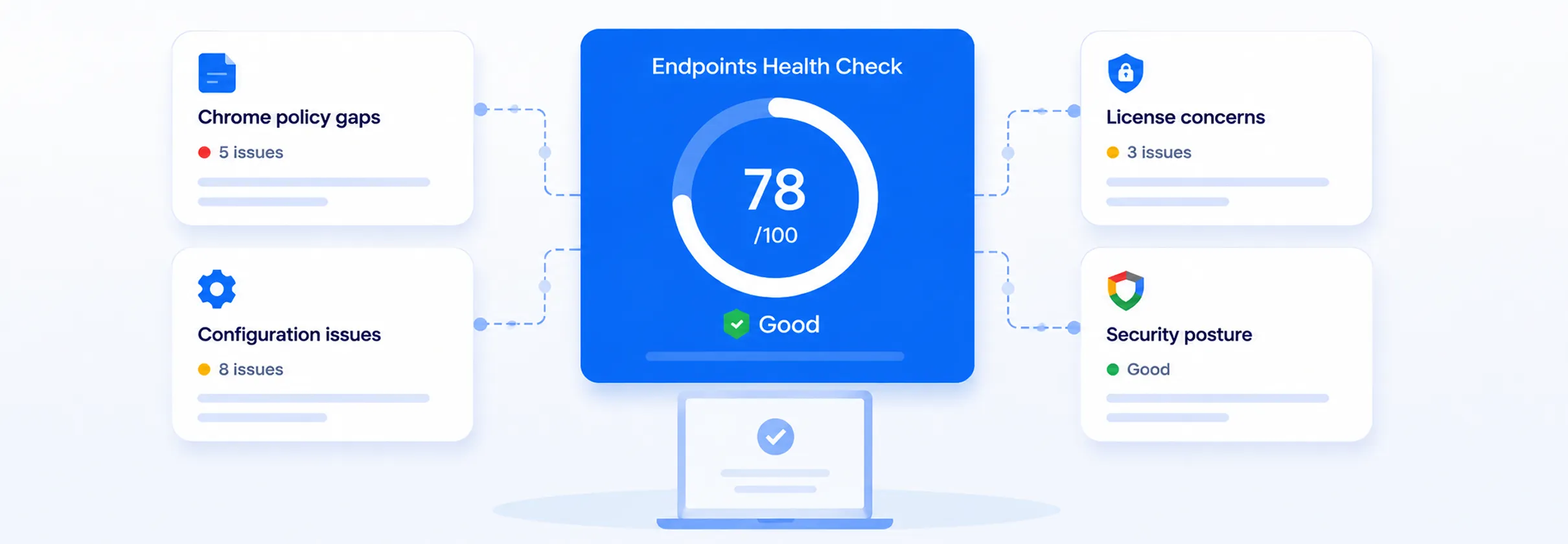
Review Recommendations & Track Progress
Use the provided evidence, guidance, and reports to determine the appropriate next steps in Google Admin Console and track improvements through future assessments.
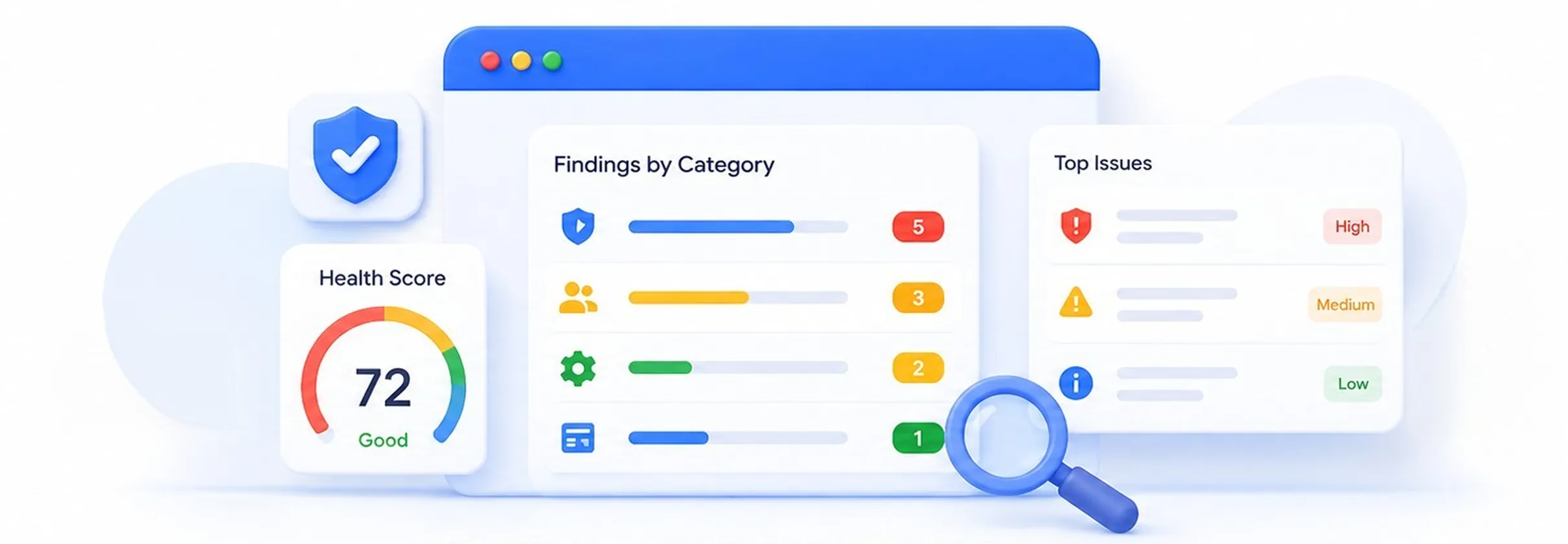
Identify Security & Configuration Gaps
Review your health score and categorized findings to identify Chrome policy gaps, configuration issues, license concerns, and areas that may affect your security posture.
Ready to Get Started?
Turn Health Insights Into
Business Value
Turn technical health insights into better business decisions across your Google environment.
Reduce Security & Compliance Risk
Identify policy and configuration gaps early to strengthen Chrome Enterprise and Google Workspace security posture.
Optimize Google License Spend
Improve Google license utilization by identifying unused, orphaned, and unassigned licenses.
Improve IT Efficiency
Centralize policy, device, configuration, and license insights to reduce manual administrative effort.
Make Informed Technology Decisions
Use health scores and assessment data to guide security, licensing, budgeting, and technology planning.
Track Continuous Improvement
Monitor progress in security posture, configuration health, and license utilization over time.
Renewal Readiness
Endpoints healthcheck will help organizations to utilize their purchased CEP,Workspace and ChromeOS licenses well, which will make the license renewal process smooth.
Common Questions
Frequently Asked Questions
Endpoints Health Check will assess how well the CEP, Workspace and ChromeOS licenses were utilized by giving administrators visibility into policies, configurations, devices, licenses, and overall environment health.
A Chrome Enterprise Premium health check reviews relevant policies and configurations to help administrators understand their current Chrome security posture, identify configuration gaps, and determine areas that may require attention.
Yes. Endpoints Health Check provides visibility into assigned, active, orphaned, and unassigned Google licenses, including Chrome Enterprise Premium, Google Workspace, ChromeOS, and related services.
Yes. The platform categorizes policy findings using information such as severity, weight, status, evidence, and category, helping administrators identify Chrome policy gaps and security configuration issues.
A browser security posture assessment gives teams better visibility into policies, configurations, and potential gaps. This helps administrators prioritize areas that may require review and maintain a more consistent enterprise browser configuration.
Endpoints Health Check is designed for Google Workspace administrators, Chrome Enterprise administrators, IT teams, security teams, and organizations managing ChromeOS or Chrome Enterprise Premium environments.
Ready to Get Started?
Ready to Take Control of Your
Google Ecosystem Health?
See how the Endpoints Health Check Tool can help your team improve visibility, strengthen compliance, and optimize license usage across your Google environment.